Reset your password
Did you forget, loose or in any other way not find your password? Follow this guide to set a new one.
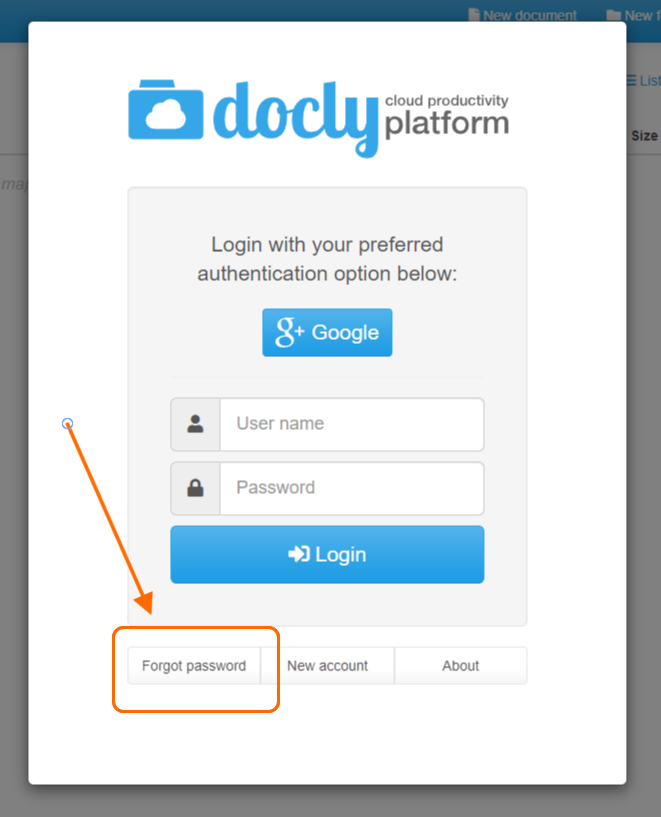
Updated: 25.10.2026 12:13 Click "Forgot your password?" on the sign-in page
Enter your email
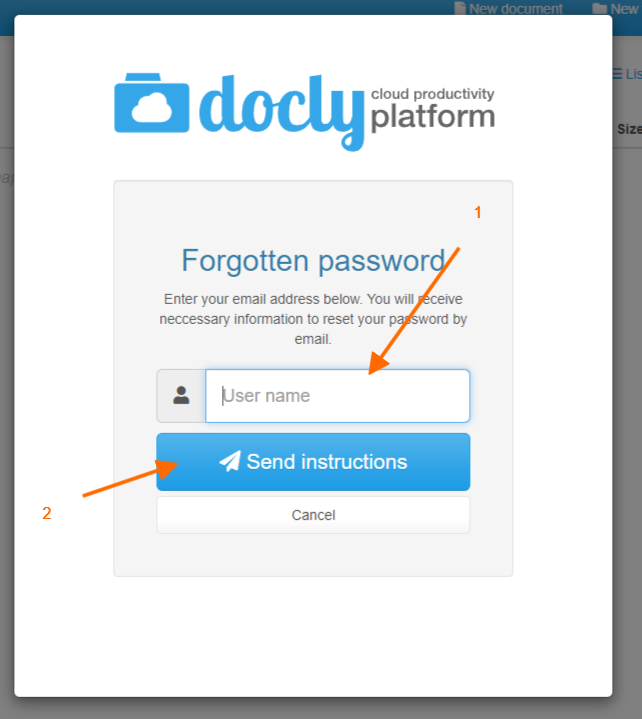
Click "Request reset link". You receive an email with a link to set a new password. Open the link from the same network (IP address) you requested it from — otherwise you must request a new link.
Confirm with your second factor (only with 2FA)
If your account uses two-factor authentication with an authenticator app, SMS or a passkey, the email alone is not enough. Under "Confirm it's you", choose one of them and confirm.
Set your new password
Enter your new password twice and click "Set new password".