Enable 2FA secure login
With the two factor secure login feature your account will be secured with an extra layer of security when you log in.
Updated: 25.10.2026 12:13 Turn on 2FA in Cloud Portal
Click your profile button in the upper right corner of docly.net and choose "Settings ...". In the dialog that opens, click "Go to Cloud Portal".
Open "Security" and turn on the "Two-factor authentication (2FA)" switch. It takes effect at once — there is nothing to save.
Under "The code we send", choose how you confirm a login by email: "Code I enter" or "Link in email".
When logging in, confirm with the email we send
"Code I enter": the email holds a code. Type it on the page where you signed in. New accounts use this by default.
"Link in email": click "Authorize this login" in the email. After you click the button you can proceed and access Docly.
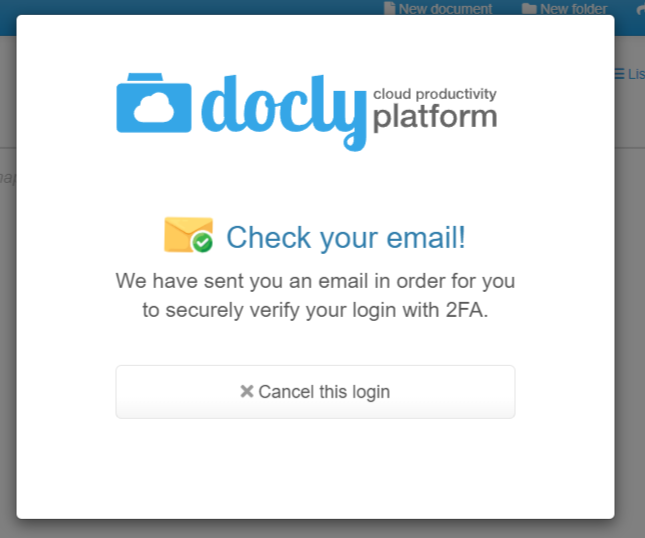
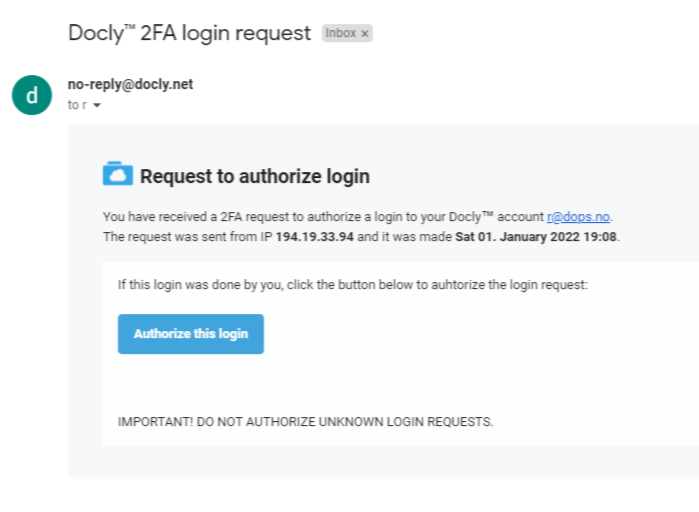
Each login session is valid for 20 hours.