Undelete documents and folders
Deleted documents and folders can be brought back. Use "Last deleted" for something you deleted recently, or show deleted items in the folder they were in.
Updated: 25.10.2026 12:13 Open "Last deleted"
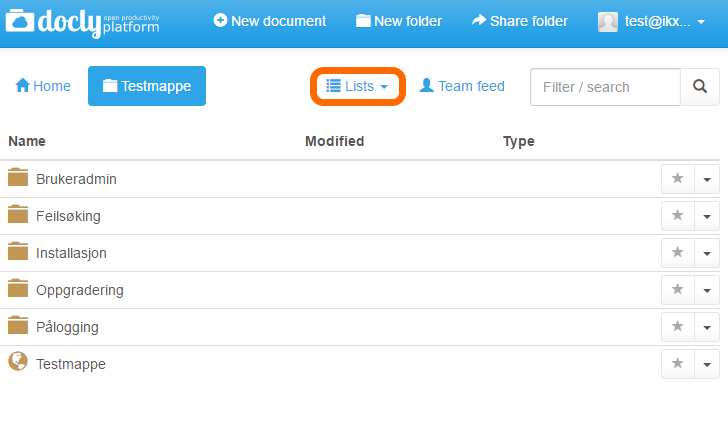
Anywhere in your hierarchy, click on "Lists":
A drop-down menu will be revealed. Click on "Last deleted":
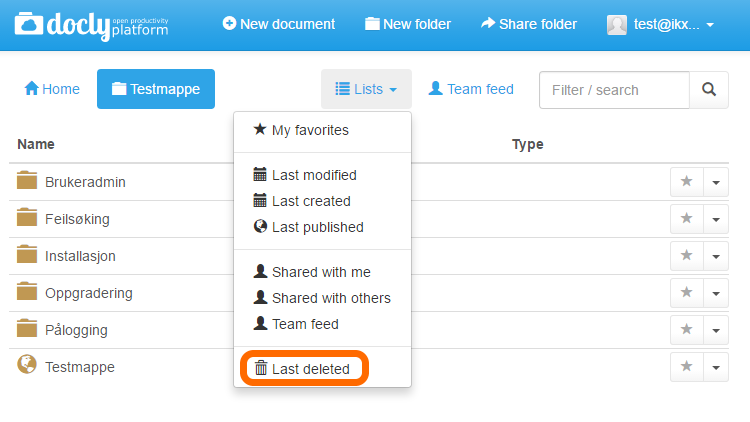
You will then see the 30 most recently deleted items. To find an item that was deleted earlier, open the folder it was in, click on "Lists" and then "Show deleted items". Deleted items are then shown in the folder.
Recovering an item
Look through the list to find your item, or use the "Filter / search" function.
Type the file or folder name in the "Filter / search" window.
In this case, we want to recover the file "New Checklist"
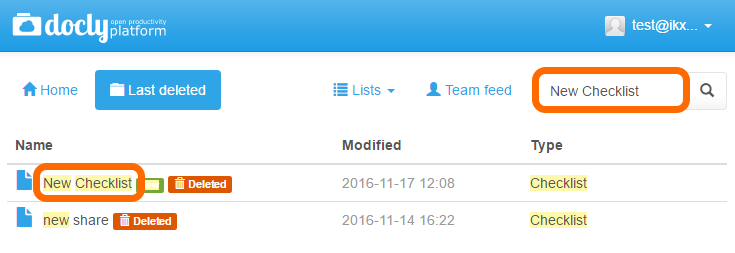
Once you have found the item you are looking for, click on it.
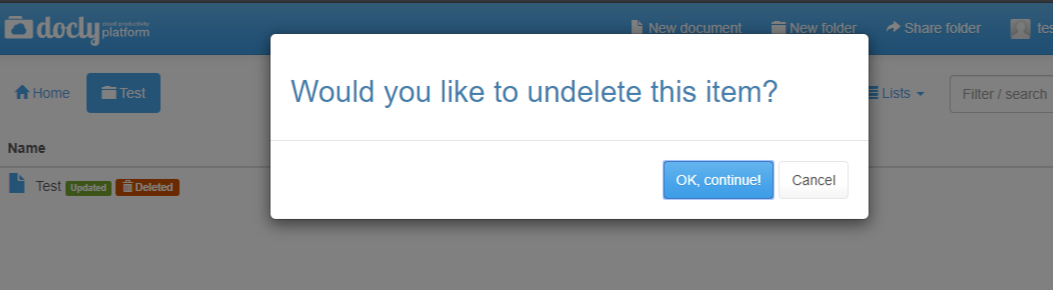
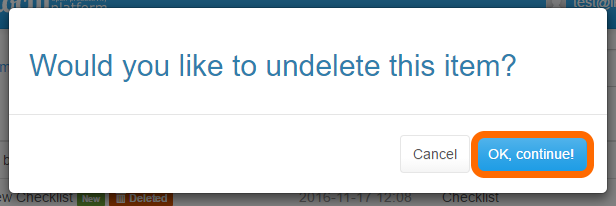
A dialogue box will appear. Click "OK, continue!" or "Cancel" if you changed your mind:
Open the "Lists" menu
In the toolbar above the list of documents and folders, click on "Lists".
Click "Show deleted items"
A check mark appears next to "Show deleted items" when it is turned on. The setting is saved at once — there is no Save button. Click it again to hide deleted items.
Deleted items will now show in your folders
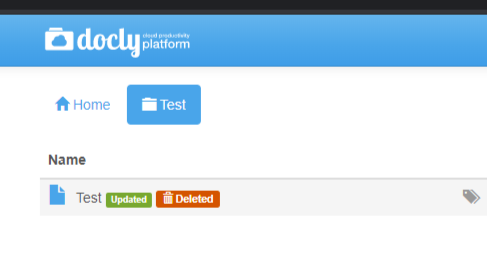
Click a deleted item to undelete it