Creating a new folder
Folders are a great way of organizing your documents. Create a comprehensive hierarchy to make navigation easy.
Updated: 25.10.2026 00:22 Determine folder location
Navigate to the location where you want to create your new folder.
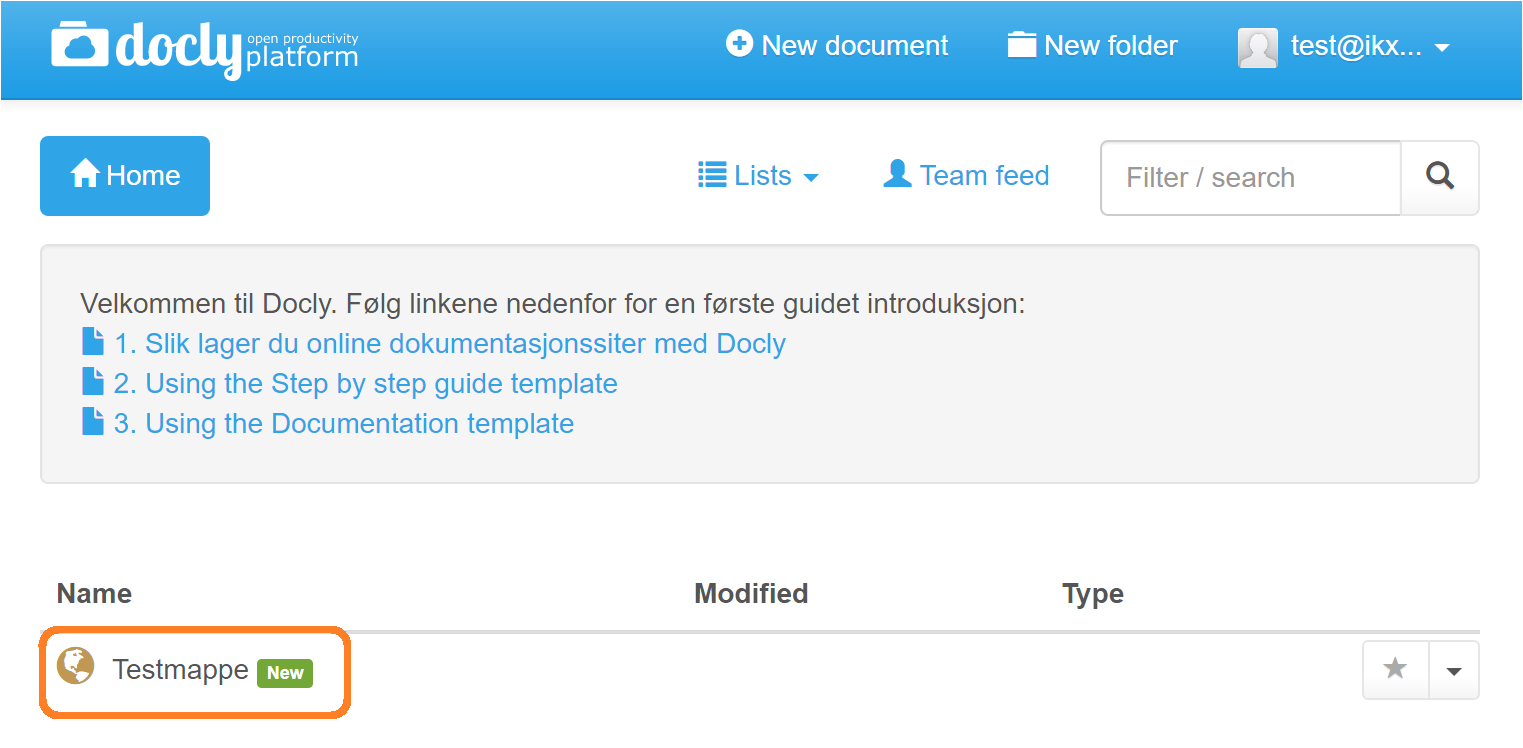
In this case we want to create a folder inside "Testmappe"
The folder is accessed by clicking on it:
Now we are inside "Testmappe":
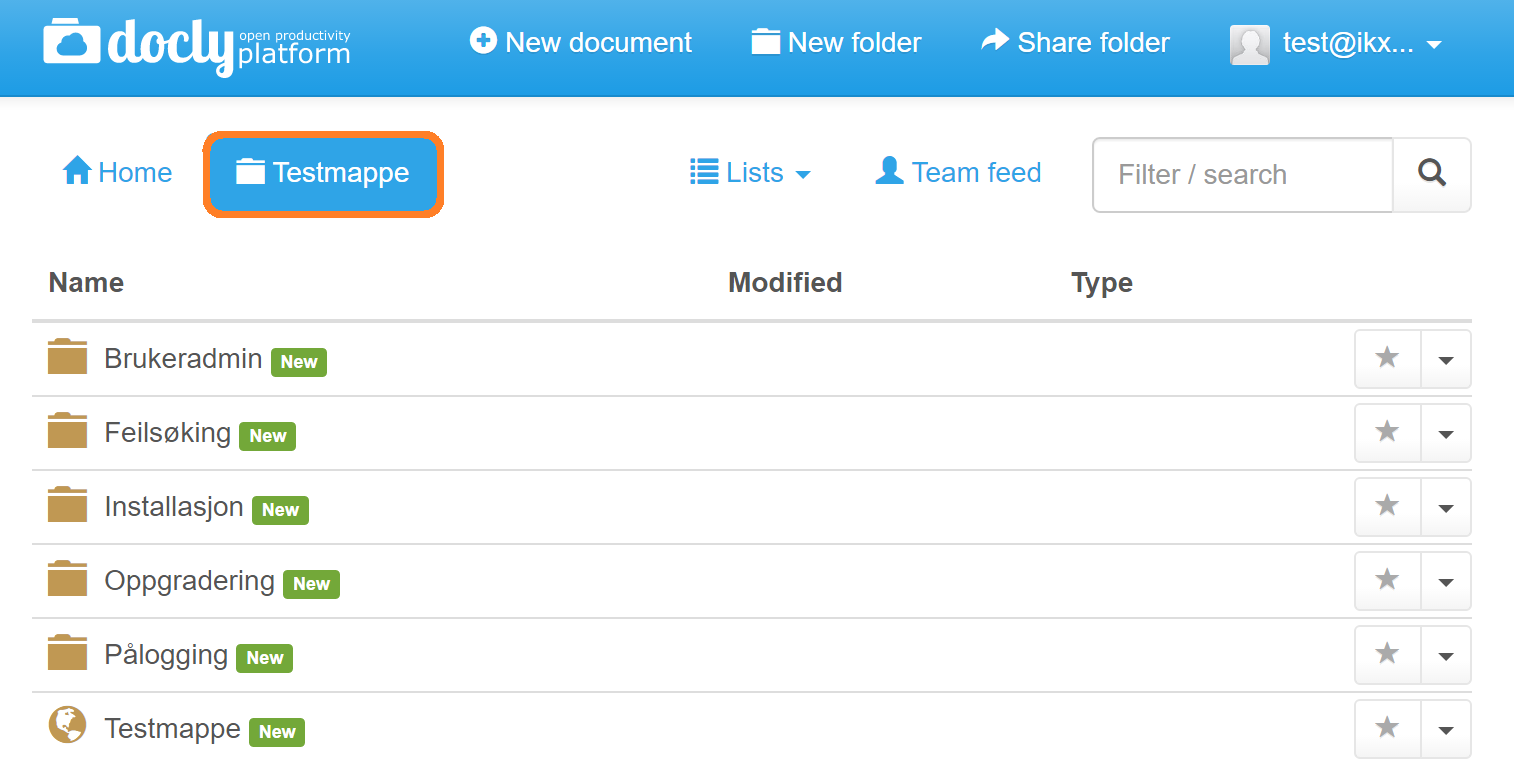
Click on "New"
Click on "New" in the toolbar above the list. You can also click on "Create new" in the menu at the top.
Choose a folder type
The "Create new" dialogue box opens. Folder types are shown with a folder icon. Click on the folder type you want.
Enter folder name
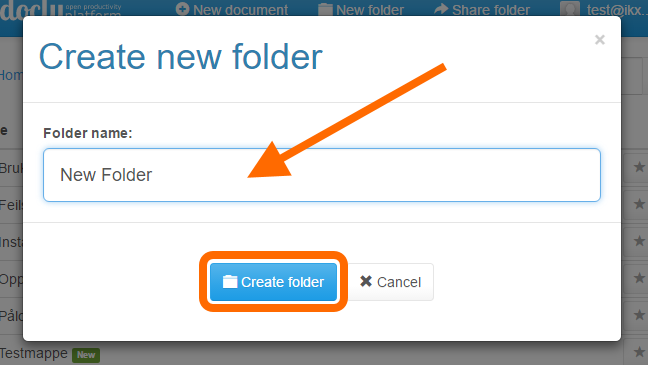
The "Create new folder" dialogue box opens. Write the folder name in the "Folder name" field and click "Create folder":
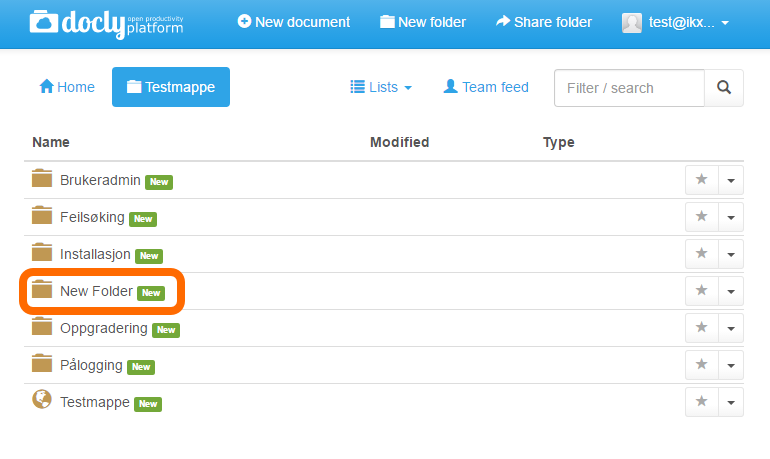
The new folder is created
The folder will appear together with the other folders: